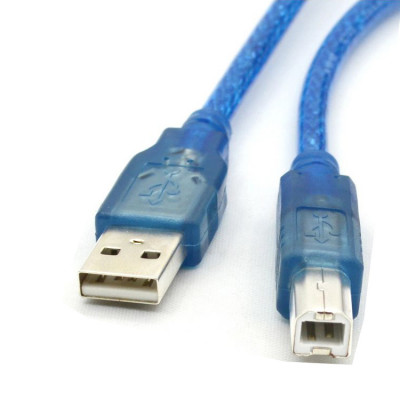
USB A To B Cable – Cable for Arduino – Blue Color
USB A To B Cable – Cable for Arduino – Blue Color
Related products
-
Arduino, Display
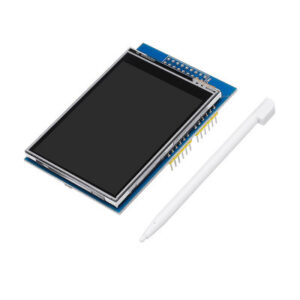
2.8 Inch TFT LCD Shield Touch Screen Module 320×240 Support UNO MEGA2560
The 2.8 inch TFT LCD Touch Display is fully assembled, tested and ready to go. Add the touch display without wiring, no soldering! Simply plug it in and load up a library – you’ll have it running in under 10 minutes! Works best with any classic Arduino ATMEGA328 Board
So spice up your Arduino UNO project with a beautiful large touchscreen display shield with a built-in microSD card connection. This TFT display is big (2.8″ diagonal) bright (4 white-LED backlights) and colorful (18-bit 262,000 different shades)!
The Display comes with 240×320 pixels with individual pixel control. It has way more resolution than a black and white 128×64 display. As a bonus, this display has a resistive touchscreen attached to it already, so you can detect finger presses anywhere on the screen.
SKU: n/a -
Arduino, Arduino Development Board's
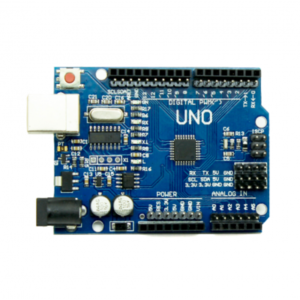
UNO R3 SMD Atmega328P Board – Clone Compatible Model
UNO R3 SMD is the open source Embedded Development board based on Atmega328 SMD Package Microcontroller. Because Atmel is moving more and more of their production capacity to surface mount ICs, the DIP packaged ATmega is becoming more and more difficult to get. To keep up with demand, we now offer the Uno R3 with an SMD ATmega. The board is identical to the PTH version of the Uno, but you won’t be able to remove the ATmega without some hot-air. This change shouldn’t affect most users
SKU: n/a -
Arduino, Arduino Shield's
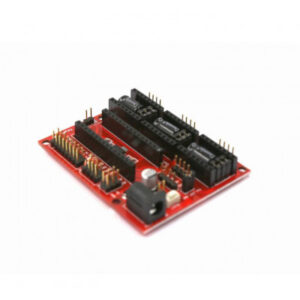
CNC Shield V4 3D Printer Expansion Board for Arduino
CNC shield V4 needs to work with the Nano board. It can be used as a drivers expansion board for engraving machines and 3D printers. It has in total 3 channel slots for A4988 stepper motor driver modules (not included) for driving 3 channels of stepper motors.
Each channel of stepper motor only needs 2 IO ports, which means 6 IO ports are sufficient to manage 3 stepper motors. This shield can make quick work for managing stepper motors in your project.
SKU: n/a -
Arduino, Arduino Development Board's
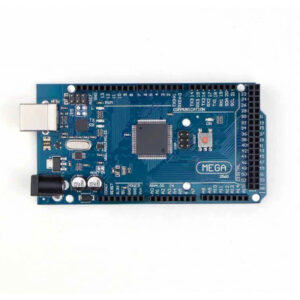
Mega 2560 R3 Board – Compatible Model High Quality
The Mega 2560 R3 is an open source precise microcontroller board Successor to the Mega based on the ATmega2560 SMD chip.The Mega 2560 R3 also adds SDA and SCL pins next to the AREF. In addition, there are two new pins placed near the RESET pin. One is the IOREF that allow the shields to adapt to the voltage provided from the board. The other is a not connected and is reserved for future purposes. The Mega 2560 R3 works with all existing shields but can adapt to new shields which use these additional pins.
This Board has 54 digital input/output pins (of which 15 can be used as PWM outputs), 16 analog inputs, 4 UARTs (hardware serial ports), a 16 MHz crystal oscillator, a USB connection, a power jack, an ICSP header, and a reset button. It contains everything needed to support the microcontroller. Using the board is also very easy, simply connect it to a computer with a USB cable or power it with DC adapter or battery to get started. The Mega 2560 R3 board is compatible with most shields designed for Genuino Uno and the former boards Duemilanove or Diecimila.
SKU: n/a